
Hi Moon
🚚 Enjoy Free Shipping on All Orders Over $50! Shop Now and Save Big!
Not satisfied? Return your purchase for free—no questions asked!
Product material:
Material: ABS
Details:
Horizontal resolution :1080P
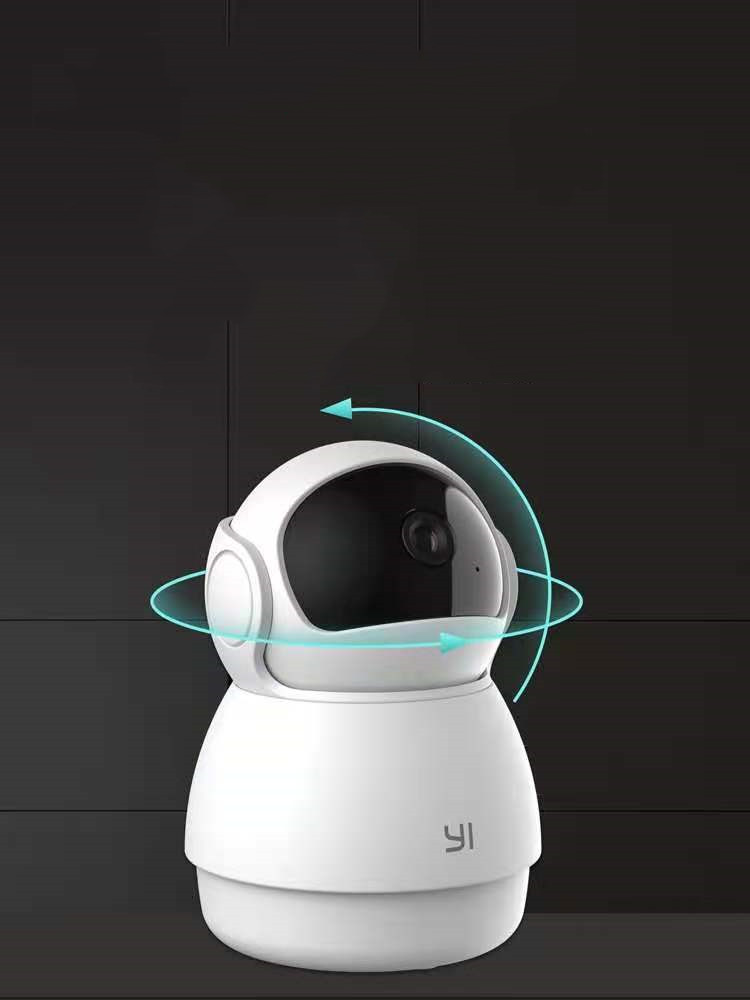
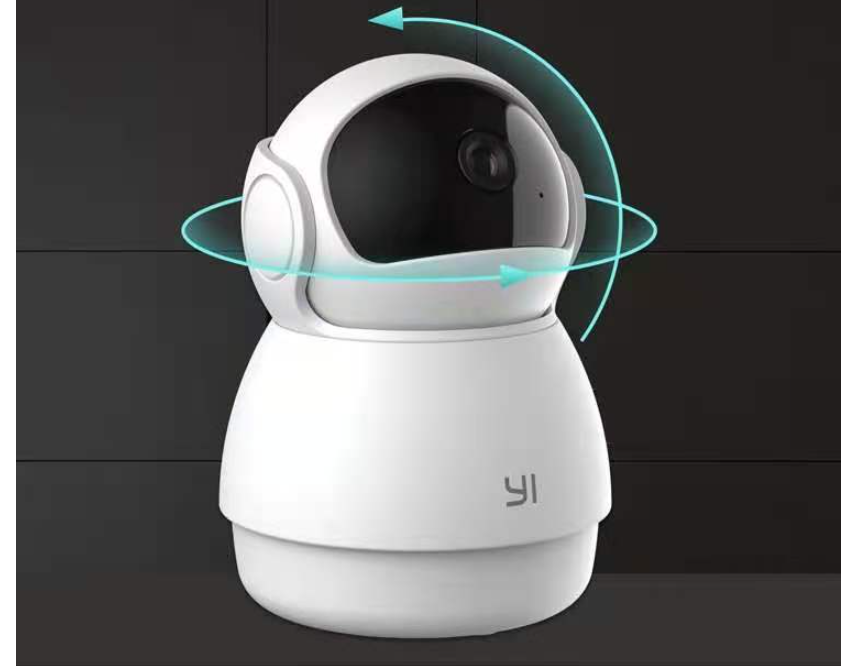
Function: panoramic monitoring, intelligent tracking, infrared night vision
Setting up your camera with the YI Home app
1. Install the YI home app and create a YI home account
2. Turn on your camera and click the icon on the top right corner of YI HOME app to add your camera
3. Select your Wi-Fi network and enter your Wi-Fi password, then select Connect to Wi-Fi
4.Scan the QR Code displayed on the app and then select next after the QR Code has scanned
5. Select save, then select start using to complete the pairing.
6. If the connection fails, press the reset button and try again.
Wi-Fi settings
1. YI home cameras will need to connect to a 2.4GHz band network. 5GHz WiFi band is not supported
2. Activate the location service on the phone if you encounter an unknown SSID problem
3. Encryption mode must be set to WPA / WPA2 (mixed mode) or WPA2
4. Your Wi-Fi password must be 8 to 20 characters long
Packing list
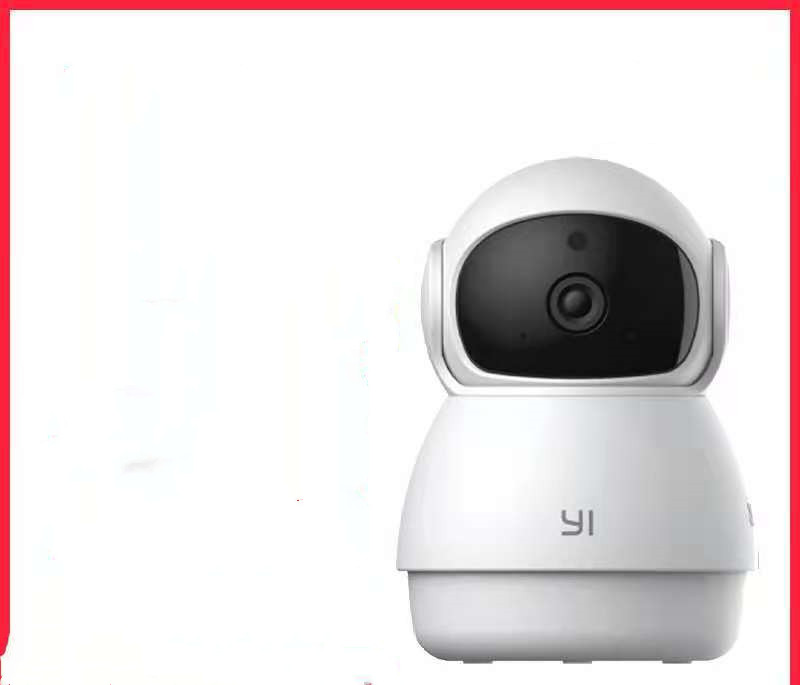
Camera X1
Nam tempus turpis at metus scelerisque placerat nulla deumantos solicitud felis. Pellentesque diam dolor, elementum etos lobortis des mollis ut risus. Sedcus faucibus an sullamcorper mattis drostique des commodo pharetras loremos.Donec pretium egestas sapien et mollis. Pellentesque diam dolor cosmopolis etos lobortis.
| Drostique | Nam tempus turpis at metus scelerisque placerat nulla deumantos |
| Pharetro Lorem | Pellentesque diam dolor elementum etos lobortis des mollis |
| Milancelos | Donec pretium egestas sapien et mollis |
| Pellentesque | Sedcus faucibus an sullamcorper mattis drostique des commodo pharetras |
| Proin Molestie | Pellentesque diam dolor elementum etos lobortis des mollis |
| Cosmopolis | Donec pretium egestas sapien et mollis |


